





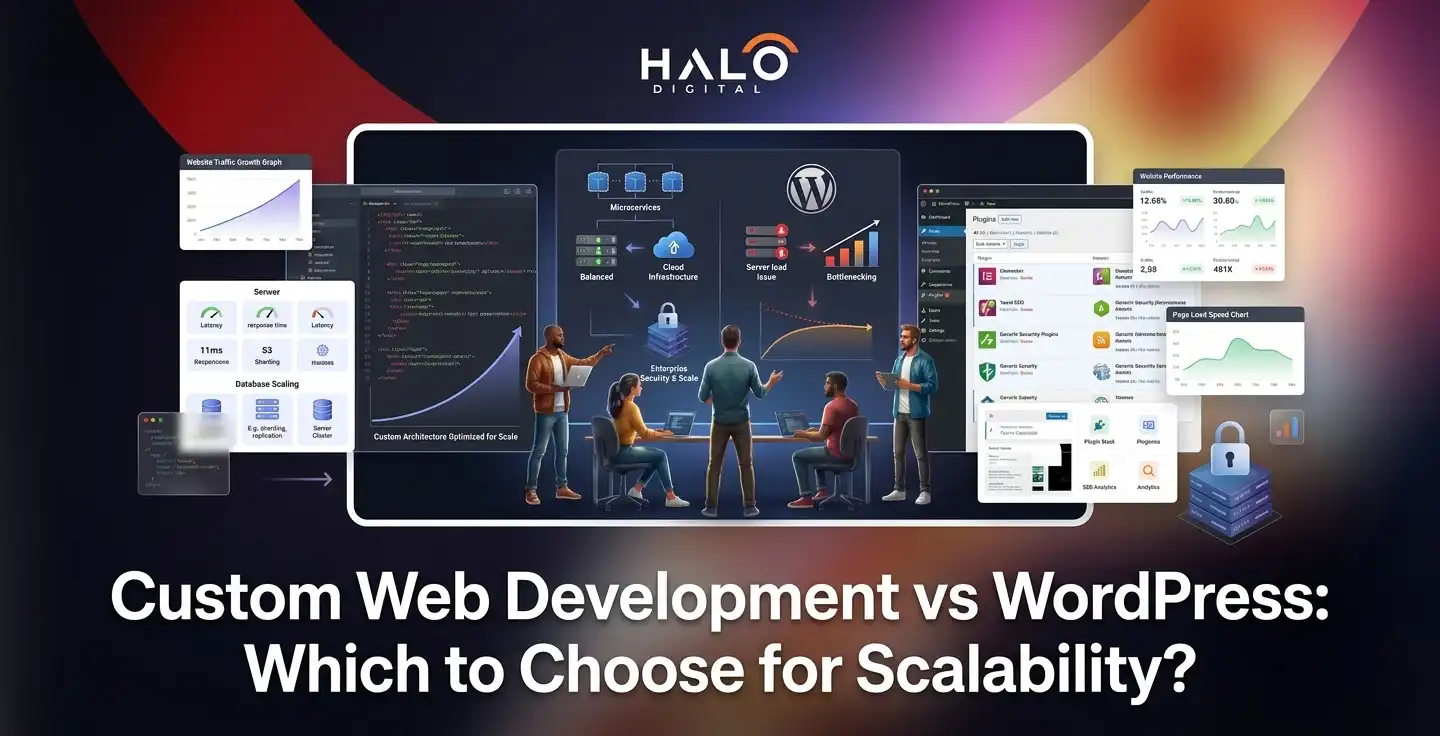
The choice depends entirely on whether your website is a “Brochure” (to communicate information) or a “Product” (an interactive tool with complex logic).
1. Choose WordPress if:
Budget & Speed: You have a budget under $12,000 and need to launch quickly (2–6 weeks).
Purpose: You are building a marketing site, blog, or standard e-commerce store.
Management: You want a non-technical team to manage content easily via the Gutenberg editor.
Scale: You expect fewer than 100,000 monthly visitors in the near term.
2. Choose Custom Development if:
Purpose: Your site is a digital product (SaaS, member portal, or complex booking engine).
Performance: You require 2–5x faster load times and perfect Core Web Vitals for competitive SEO.
Scale: You are planning for high traffic volumes (500k+ visitors) and need architectural freedom without “plugin bloat.”
Security: You handle sensitive data and want a smaller attack surface to avoid automated WordPress exploits.
3. The Hybrid (Headless WordPress):
Best for businesses that want the editorial ease of WordPress but the high-end performance and security of a custom frontend (React/Next.js).
The choice between WordPress and custom web development is one of the most consequential technical decisions a growing business will make. Get it right, and your website becomes a genuine competitive asset. Get it wrong, and you’ll find yourself rebuilding from scratch 18 months down the line — losing time, money, and search engine equity in the process.
This isn’t a debate about which platform is “better.” Both have legitimate strengths. This is about identifying which one is right for your ambitions, your budget, and the traffic volumes you’re planning for.
Let’s work through it properly.
The Real Question to Ask First
Before comparing feature lists, there’s a more fundamental question:
Is your website a brochure, or is it a product?
A brochure communicates what your business does. It has pages, a blog, contact forms, maybe an events section. It needs to be easy to update, reliably online, and reasonably fast.
A product, on the other hand, is something users interact with repeatedly — a SaaS dashboard, a booking engine, a member portal, an e-commerce platform with custom logic.
If you’re unsure where your idea falls, exploring some real-world web application examples can help clarify your project’s true scope.
That distinction matters more than almost anything else in this comparison. For most brochure-style sites and content-heavy marketing properties, WordPress remains a genuinely excellent choice. For digital products with complex workflows, high traffic ambitions, or deeply custom functionality, bespoke development is often the only architecture that won’t eventually buckle under pressure.
With that framing in mind, let’s examine what each platform actually offers.
Understanding WordPress in 2026 and Beyond
WordPress powers approximately 43% of all websites on the internet. That is not a figure you dismiss — it reflects a platform that genuinely solves real problems for a vast range of businesses. Originally launched in 2003 as a blogging tool, it has evolved into a mature, highly extensible content management system trusted by brands including Sony Music, TechCrunch, and The New York Times.
What makes WordPress attractive in 2026 comes down to a few core qualities:
Speed to Launch
A standard WordPress site can be live within two to six weeks. For businesses that need to validate quickly, this time advantage is real and significant.
Plugin Ecosystem
With over 60,000 plugins available, almost any functionality can be added without writing a single line of code — from SEO tools to payment gateways.
Non-Technical Management
The Gutenberg block editor allows content teams to update pages, publish posts, and manage media without developer involvement.
Lower Entry Cost
A well-built WordPress site typically ranges from $15,00 to $12,000 — considerably less than a comparable custom build.
For startups validating a concept, small businesses establishing an online presence, or content-led businesses that live and die by their editorial output, WordPress delivers substantial value for money. Its large global developer community also means that finding qualified support is straightforward and typically affordable.
The limitations, however, become apparent as ambitions grow.
Where WordPress Struggles at Scale
WordPress’s architecture was designed for content management, not for handling the kind of complexity that enterprise-grade products require. For organizations operating at this level, true enterprise web application development demands a fundamentally different approach to system architecture and database management.
Several friction points emerge as traffic and functionality demands increase:
Plugin dependency and performance drag.
Every plugin you install adds PHP overhead. A WordPress site with fifteen or more active plugins will begin to show meaningful performance degradation. PageSpeed scores of 50–70 are common on heavily plugged WordPress installs, compared to the 90–100 regularly achieved on lean custom builds.
Scaling thresholds.
Once a WordPress site exceeds approximately 100,000 monthly visitors, specialised optimisations become necessary — Redis caching, Varnish, CDN configuration, premium managed hosting. These additions work, but they also add cost and complexity. Above 500,000 monthly visitors, custom-built infrastructure is typically more cost-efficient and reliable over the long term.
Template and theme constraints.
Even with premium page builders, you’re working within a structure that wasn’t built for your specific use case. Truly unique functionality — custom multi-step workflows, proprietary data structures, deeply integrated third-party APIs — quickly becomes an exercise in fighting the platform rather than using it.
The Case for Custom Web Development
Bespoke web development means building from scratch: no pre-existing CMS architecture, no plugin dependencies, no inherited technical debt. Every component is designed and engineered specifically for your product’s requirements.
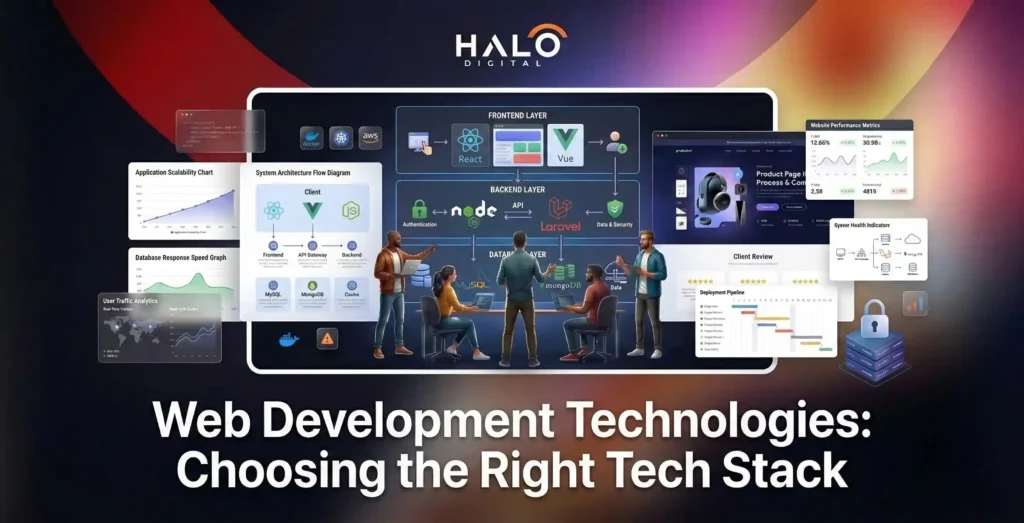
Modern custom builds typically use JavaScript-based stacks — React, Next.js, and similar frameworks — often following JAMstack principles.
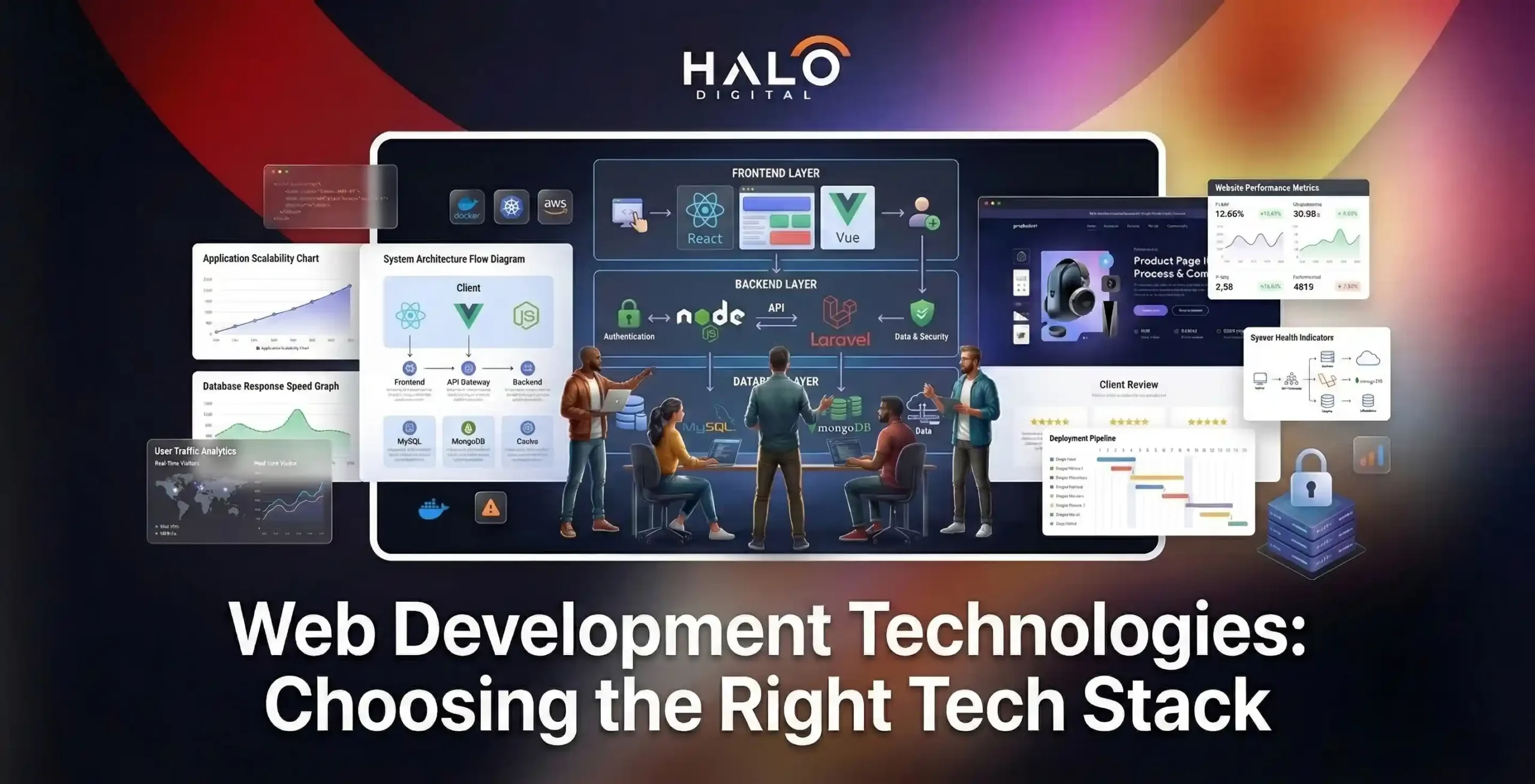
Selecting the right web development technologies for this stack is critical, as it dictates everything from your site’s speed to its long-term maintainability. These architectures deliver near-instant load times through static site generation, making them naturally faster than any dynamically-rendered CMS by default.
Worth knowing:
Custom websites built with modern frameworks typically load two to five times faster than standard WordPress deployments. A well-optimised custom build routinely scores 95–100 on Google PageSpeed Insights, while WordPress installations average 50–70 without significant additional optimisation work.
The advantages of going bespoke extend well beyond raw performance:
Unlimited architectural freedom.
There are no template constraints, no plugin compatibility issues, and no platform limitations standing between your vision and its execution. Complex business logic, AI integrations, custom data pipelines, proprietary recommendation engines — all of it can be built precisely as needed.
Genuine scalability.
A properly architected custom application can handle millions of visitors using CDN distribution, microservices, and horizontal scaling. There is no artificial ceiling imposed by the platform itself.
Complete code ownership.
You own every line. There are no recurring licence fees for themes or premium plugins, no risk of a plugin being abandoned or breaking on a core update, and no dependency on third-party commercial decisions.
Long-term cost efficiency.
While upfront investment is considerably higher — typically $10,000 to $50,000 or more for a medium-complexity project — the ongoing operational costs are lower. No plugin licences, no premium theme renewals, and infrastructure that can be optimised precisely for your traffic profile.
Scalability Showdown: Where Each Platform Wins and Loses
Scalability is not a single metric. It encompasses traffic handling, feature extensibility, codebase maintainability, and the ability to adapt to business change. Here’s how both platforms compare across each dimension:
Dimension | WordPress | Custom Development |
Traffic (up to 50k/mo) | Handles well with standard hosting | Handles easily |
Traffic (100k–500k/mo) | Requires advanced optimisation — Redis, CDN, premium hosting | Scales comfortably with standard infrastructure |
Traffic (500k+/mo) | Expensive and complex to maintain reliably | Purpose-built architecture handles it gracefully |
Feature extensibility | Plugin-dependent — constrained by available plugins and their compatibility | Unlimited — any feature can be built |
Third-party integrations | Good for common tools (CRMs, analytics, payments) | Excellent — direct API integration with any system |
Content management ease | Excellent — non-technical teams fully independent | Varies — depends on chosen CMS or admin panel |
Time to launch (standard site) | 2–6 weeks | 3–6 months minimum |
Long-term maintainability | Core, theme & plugin updates create ongoing dependency management | Stable codebase, fewer forced updates |
Performance, Speed, and SEO Implications
Search engine rankings and conversion rates are directly tied to site performance. Google’s Core Web Vitals — measuring loading speed, interactivity, and visual stability — are confirmed ranking factors. This makes the performance gap between platforms a genuine business concern, not just a technical preference.
Optimised WordPress installations can achieve load times of 1.5 to 3 seconds. A well-built custom application typically achieves 0.5 to 1.5 seconds. Research has found that a 0.1-second improvement in site speed can increase conversion rates by 8.4% on retail sites. Over the course of a year, that difference compounds significantly.
Implementing thorough website performance optimization strategies is essential for closing this gap and maximizing your revenue potential.
On the SEO front, both platforms are capable of strong organic performance. WordPress’s dedicated tools — Yoast SEO and RankMath in particular — are genuinely excellent for most content marketing needs. Custom builds, however, offer an architectural advantage: cleaner code, smaller payloads, and the ability to achieve perfect Core Web Vitals without the overhead that plugin-heavy WordPress installs inevitably carry.
Neither platform is inherently better for ranking. The decisive factor is always content quality and site structure.
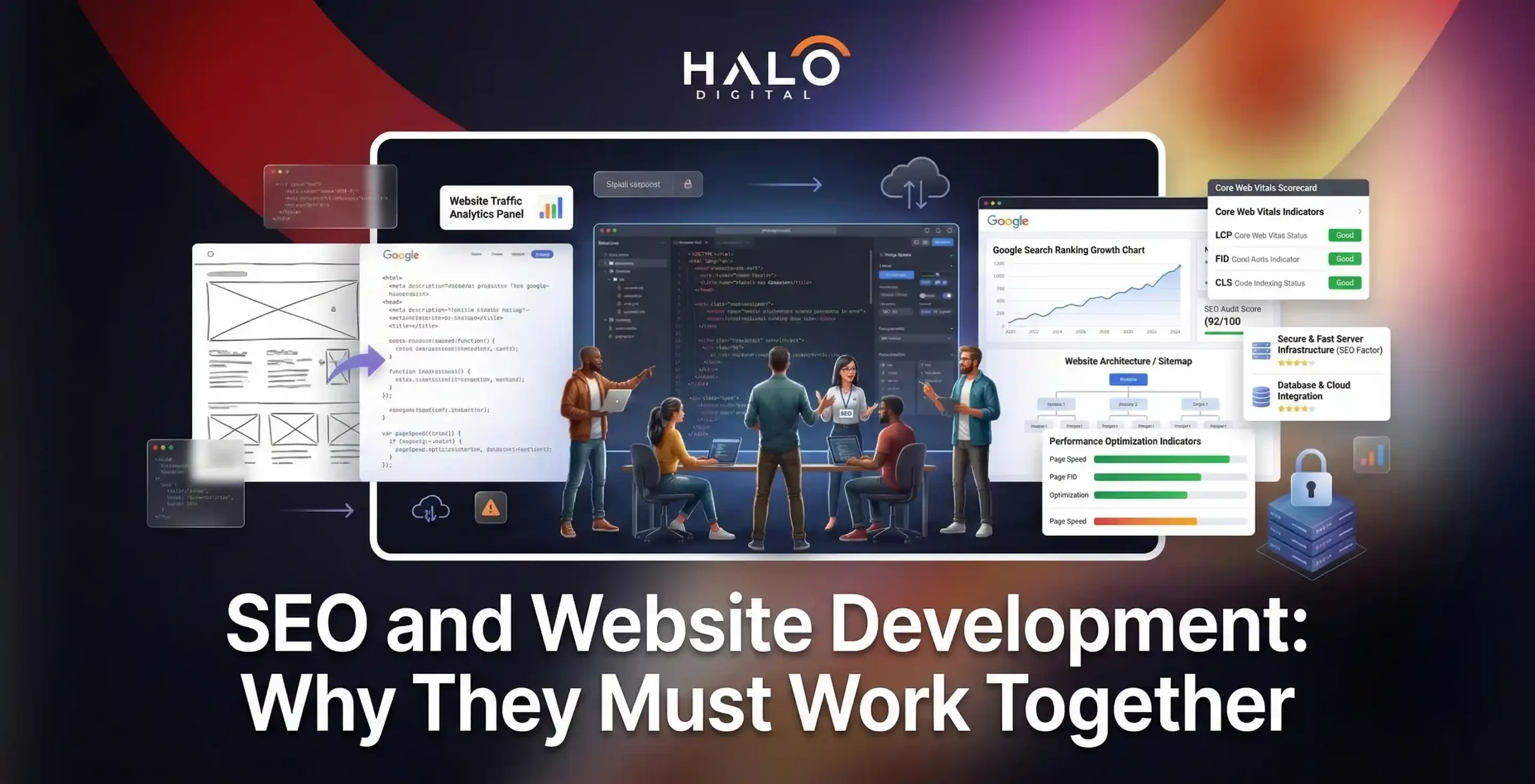
However, aligning your underlying code with modern SEO web development principles from day one makes ranking those high-quality pages significantly easier.
But if technical SEO is a strategic priority — particularly in competitive niches — the performance ceiling of custom development gives it a meaningful edge.
True Cost Comparison Over Time
Comparing platform costs on upfront investment alone gives a misleading picture. Total cost of ownership over a three-to-five year horizon tells a very different story.
To get a genuinely accurate estimate of your investment, it helps to understand all the hidden variables that dictate overall web development costs over time.
Cost Category | WordPress (Annual) | Custom Build (Annual) |
Initial build | $3,000–$15,000 | $10,000–$50,000+ |
Hosting | $120–$1,200/year | $60–$600/year |
Plugin/theme licences | $600–$2,500/year | None |
Maintenance & updates | $120–$600/month | Lower — fewer forced updates |
Developer time (changes) | Lower for content updates | Required for all structural changes |
Platform migration risk | Moderate — plugin deprecation | Low — you own the codebase |
The pattern is consistent: WordPress has a lower entry barrier, but its recurring costs accumulate. Plugin licences, security monitoring subscriptions, and the ongoing developer time needed to manage update conflicts all erode the initial saving. For businesses running complex WordPress installations at scale, the five-year total cost of ownership often rivals that of a bespoke build — without the performance and architectural advantages.
Security: A Factor You Can’t Ignore
WordPress’s popularity is simultaneously its greatest strength and its biggest security liability. Because it powers such a large proportion of the web, it is the target of the vast majority of CMS-related cyberattacks. Hackers invest in automated tooling specifically designed to exploit known WordPress vulnerabilities, and the most common entry points are outdated plugins and themes.
A well-maintained WordPress installation — with regular updates, security-focused hosting, a reputable security plugin, and strong access controls — can be kept secure. The operational discipline required to achieve this is, however, non-trivial.
Custom-built applications carry a fundamentally different risk profile. Because they don’t follow the predictable structural patterns of a known CMS, automated exploit tools cannot easily target them. There are no published vulnerabilities to scan for. The attack surface is smaller by design. That said, custom code can introduce its own vulnerabilities if written carelessly — security is not automatic, it has to be engineered in.
Adhering strictly to web application security best practices during the build process is the only way to ensure your bespoke architecture remains fortified against emerging threats.
Key consideration: If your site handles sensitive customer data, financial transactions, or user accounts, the security architecture deserves serious evaluation. In these contexts, the reduced attack surface of a custom build carries meaningful operational and reputational value.
The Hybrid Approach: Headless WordPress
A growing number of businesses are finding that the choice isn’t binary. Headless WordPress — using WordPress purely as a content management backend while serving the frontend through a modern JavaScript framework like Next.js or React — offers a compelling middle ground.
In this architecture, content editors retain the familiar WordPress interface they know. But the site visitors experience a custom-built frontend that achieves the performance characteristics of bespoke development. WordPress delivers content via its REST API or GraphQL, and the frontend handles rendering independently.
The advantages are significant: familiar content workflows, WordPress’s editorial tooling, combined with custom performance, design freedom, and omnichannel content delivery. The same content can simultaneously power a website, a mobile app, a digital display, and any other frontend — all from one managed backend.
Searches for “WordPress vs Headless CMS” have increased by 83% in the past year alone, reflecting how seriously businesses are now evaluating this architecture. Enterprise media publishers, high-growth e-commerce operators, and SaaS companies are among those leading the shift.
The tradeoffs are real, though. Headless builds cost more than traditional WordPress installations — typically $18,000 to $48,000 for a medium-complexity project — and require experienced frontend developers to execute well. The simpler self-management that makes traditional WordPress attractive is partially lost; content workflows remain easy, but structural changes require developer involvement.
Decision Framework: Which Is Right for Your Business?
Here’s how to cut through the noise and make a clear decision based on where your business actually is:
Choose WordPress if:
Your budget is under $12,000 for the initial build. You need to launch within weeks rather than months. Your website is content-led — a marketing site, corporate blog, news publication, or standard e-commerce store. You have a small team that needs to manage the site independently without developer involvement. Your traffic is unlikely to consistently exceed 100,000 monthly visitors in the near term.
Choose Custom Development if:
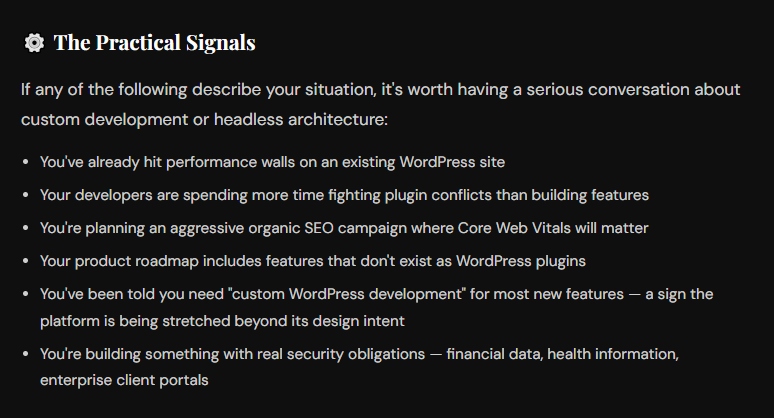
Your website is a product — a SaaS application, client portal, booking system, or platform with complex business logic. You anticipate sustained traffic well above 100,000 monthly visitors. You need deep integrations with enterprise systems, proprietary databases, or custom APIs that plugins simply cannot accommodate. Maximum performance and security are non-negotiable business requirements. You’re building something that needs to be genuinely differentiated from competitors — not constrained by theme and template conventions.
Consider Headless WordPress if:
You want the editorial simplicity of WordPress for your content team but need custom-level performance and frontend flexibility. You’re distributing content across multiple digital channels simultaneously. You’re a growing mid-market business that anticipates scaling significantly and wants to avoid a painful migration later.
Final Verdict
There is no universal answer here, and any agency that tells you otherwise is selling you something. The right platform depends entirely on what you’re building and where you intend to take it.
WordPress is a mature, well-supported platform that continues to serve millions of businesses extremely well. Its ecosystem has never been stronger. For content-driven sites, marketing properties, and businesses launching on a constrained budget, it remains a genuinely smart choice in 2026.
Custom development delivers capabilities that no CMS can match: unlimited architectural freedom, superior performance, a smaller security footprint, and the ability to build exactly what your users need without platform compromise. The investment is higher, but for the right product and the right growth ambitions, the return justifies it decisively.
Headless WordPress sits at an interesting intersection — increasingly popular, increasingly capable, and worth evaluating carefully for businesses that want content management simplicity without sacrificing frontend performance.
The most important thing is to make this decision deliberately, based on an honest assessment of your current needs and your two-to-three year trajectory. A site built for where you are now, rather than where you’re going, will cost you more to fix later than it would have cost to build correctly from the start.
If you’re unsure which direction fits your business, that’s exactly the conversation we have every day at Halo Digital. Knowing exactly how to choose a web development company that aligns with your specific goals is the most important first step toward building a successful digital asset.
We’ll give you an honest assessment — even if the answer is “WordPress is fine for what you need right now.”
We'll audit your current setup, understand your growth plans, and give you a clear recommendation — no sales pressure, no jargon.

Arsalan Chauhdary is the CEO and Co-Founder of Halo Digital, a full-spectrum software development agency serving startups and enterprises globally. Over the past 10 years, he has led the architecture and development of platforms used by millions of people across 160+ countries, including DonorSync (GDPR-compliant charity SaaS), Pilgrim (faith-based mobile app with 50K+ users), and enterprise portals for multinational organizations. His work has been referenced by Cloudways and published on Creately. Arsalan Tariq specializes in Laravel, AWS, and building secure, scalable systems for regulated industries including healthcare, finance, and nonprofits. At Halo Digital, he leads a multidisciplinary team focused on delivering products that prioritize security, compliance, and long-term impact.